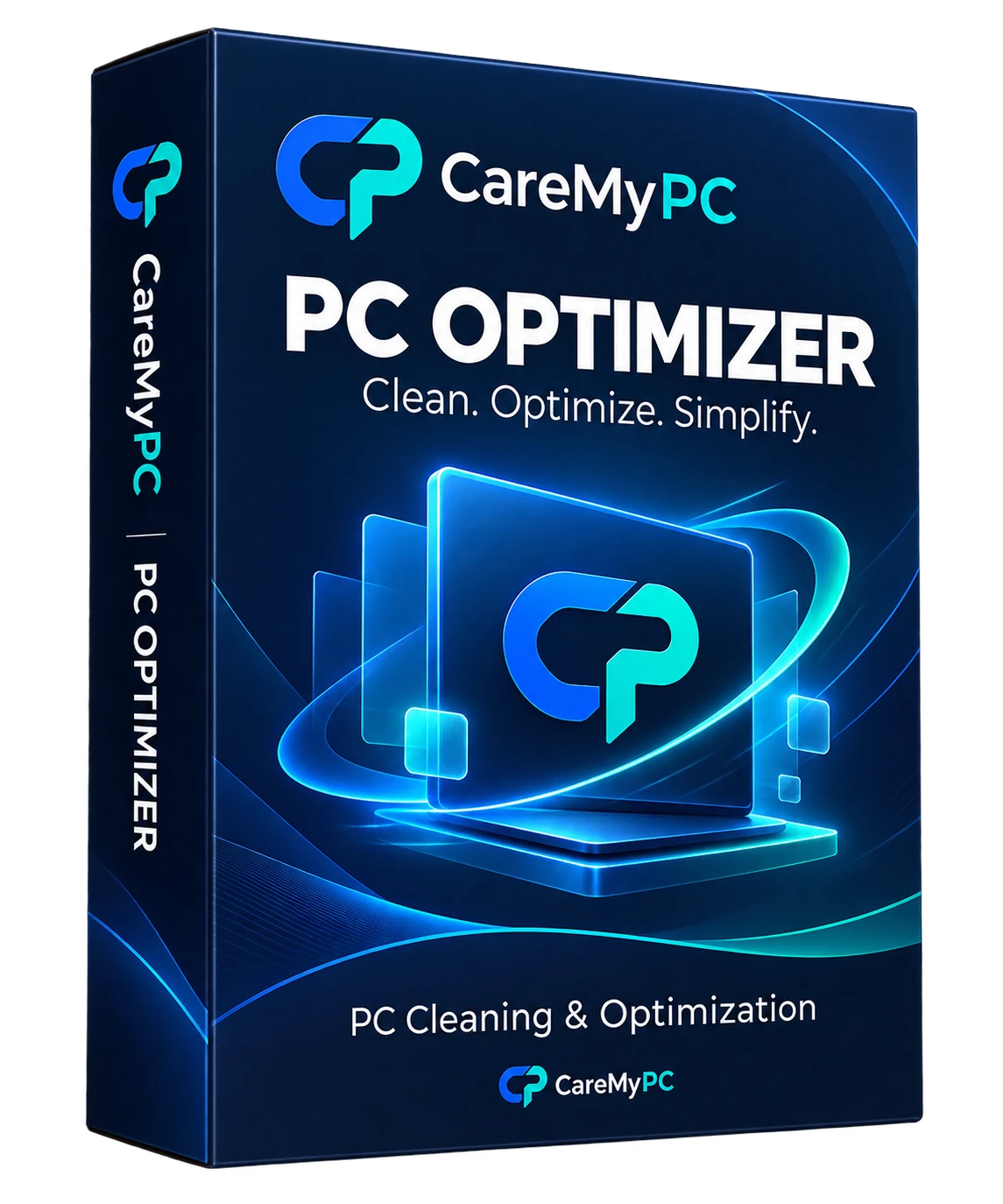
 PC HEALTH CHECK
QUICK CLEAN
Clean your PC.
Keep it that way.
Find temporary files, update leftovers and apps you never use — see the size of each, then clean only what you choose. Windows 10 & 11.
What's new in v1.3.22 → Version history
- 01Free scan
- 02Review results
- 03Clean in one click
🛠 Technician · up to 10 PCs · 1 year license · $52.18 / year — Buy Technician
- Scan free, no card
- Instant license key
- Works offline
See how it works in minutes.
A full walkthrough of every tool: free scan, PC Health Check, Quick Clean, Startup Apps, Drive Optimizer and more.
Watch your PC get cleaner.
The scan finds junk in seconds, sizes every category, waits for your OK — then cleans.
 PC Optimizer · Quick CleanIllustration
- Scan
- Review
- Clean
- Temporary files—
- Browser caches—
- Windows Update cache—
- Recycle Bin—
Starting scan…
Space each category uses, measured before cleaning.
Only the items you selected are removed.
Nothing is deleted without your OK.
Illustration with example sizes — it does not scan your computer. Real results depend on your PC.
Powerful features. Simple controls.
Tap a feature — or just watch them play.
A fast scan of temporary files, browser caches and the Recycle Bin. Every category shows its size before you clean.
More tools. More control.
Everything PC Optimizer can find and clean — in one place.
- Temporary filesLeftovers apps forget to remove.
- Browser cachesOld cached pages and images.
- Recycle BinEmpty it safely, in one place.
- Windows Update cacheDownloaded update files no longer needed.
- Delivery OptimizationUpdate files shared with other PCs.
- Old logsLog files that pile up over time.
- Sample mediaSample pictures, music and videos.
- Help documentationOffline help files you never open.
- Default wallpapersBuilt-in wallpapers you replaced.
- Drive OptimizerTRIM for SSDs, defrag for HDDs.
- System SlimRemove apps and extras you never use.
- Scan historySee what was found and cleaned.
Room to breathe.
An example of how a cleanup changes your drive — junk goes, your files stay.
- Windows & apps
- Your files — never touched
- Junk & leftovers
- Free space
Example drive · illustration only
Scan. Review. Clean.
- 1
Scan your PC
Run a free scan to find temporary files, caches, update leftovers and unused extras.
- 2
Review results
See every category with its size. Untick anything you want to keep.
- 3
Clean & optimize
Activate your license and clean in one click — then optimize your drives.
Choose the option that’s right for you
 CareMyPC
- ✓ Made for Windows 10 & 11
- ✓ Scan free — pay only to fix
- ✓ Real people for support
 PC Optimizer PRO1 PC · 1 year
 PC Optimizer TechnicianUp to 10 PCs · 1 year
🔒 Secure checkout · keys delivered by email and in My Account
⬇ Not sure yet? Download the free version first.
Give your PC a fresh start
Download free, scan in minutes, and only pay when you are happy with what you see.
PC Optimizer questions
What does CareMyPC PC Optimizer do?
It finds temporary files, caches, update leftovers and unused extras, shows how much space each uses, and removes only what you select. It also optimizes SSDs and hard drives the right way.
Is the scan free?
Yes. Download it and scan as often as you like. A license unlocks cleaning, Drive Optimizer and System Slim.
Will it delete my personal files?
No. It only looks at system junk and leftovers, and nothing is removed until you review the list and press Clean.
Which Windows versions are supported?
Windows 10 and Windows 11, 64-bit.
How do I activate my license?
After checkout your CMPC- key is emailed and saved in My Account. Open the app, go to Settings → License, paste it and press Activate. It works offline.
Can I move my license to a new PC?
Yes — contact support and we will move it for you.
Cleaning you can trust.
Need help? Talk to our team.
Questions about PC Optimizer or your license — a technician will help.