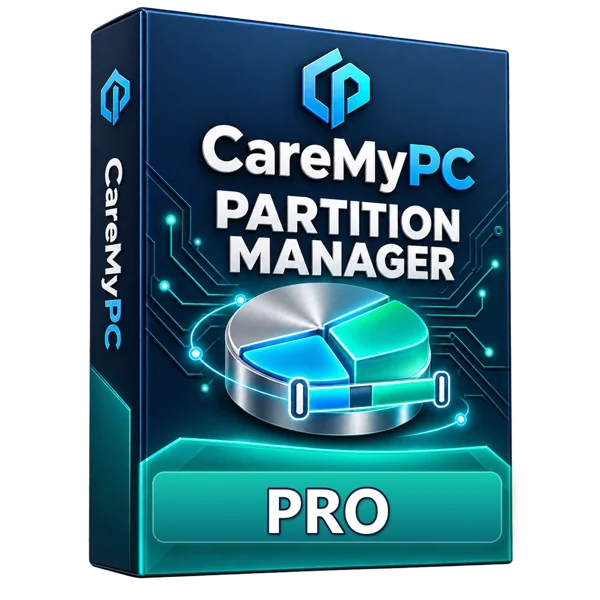
 DISK MAP
HEALTH
Your disks,
organised.
Resize, create, format, convert and clone partitions safely — every change is shown and confirmed first. Windows 10 & 11.
- 01See your disks
- 02Plan the change
- 03Confirm & apply
🛠 Technician · up to 10 PCs · 1 year license · $59.34 / year — Buy Technician
- Free core tools
- Every change confirmed first
- Instant license key
More room on C: — files kept.
See the disk, drag into free space, confirm. Nothing changes until you say so.
 Partition Manager · ResizeIllustration
- Map
- Resize
- Apply
Reading disks and partitions…
Grows into the free space next to it.
Taken only from unallocated space.
Resizing never deletes your files.
Illustration with an example disk — it does not read your computer. Always back up important files before changing partitions.
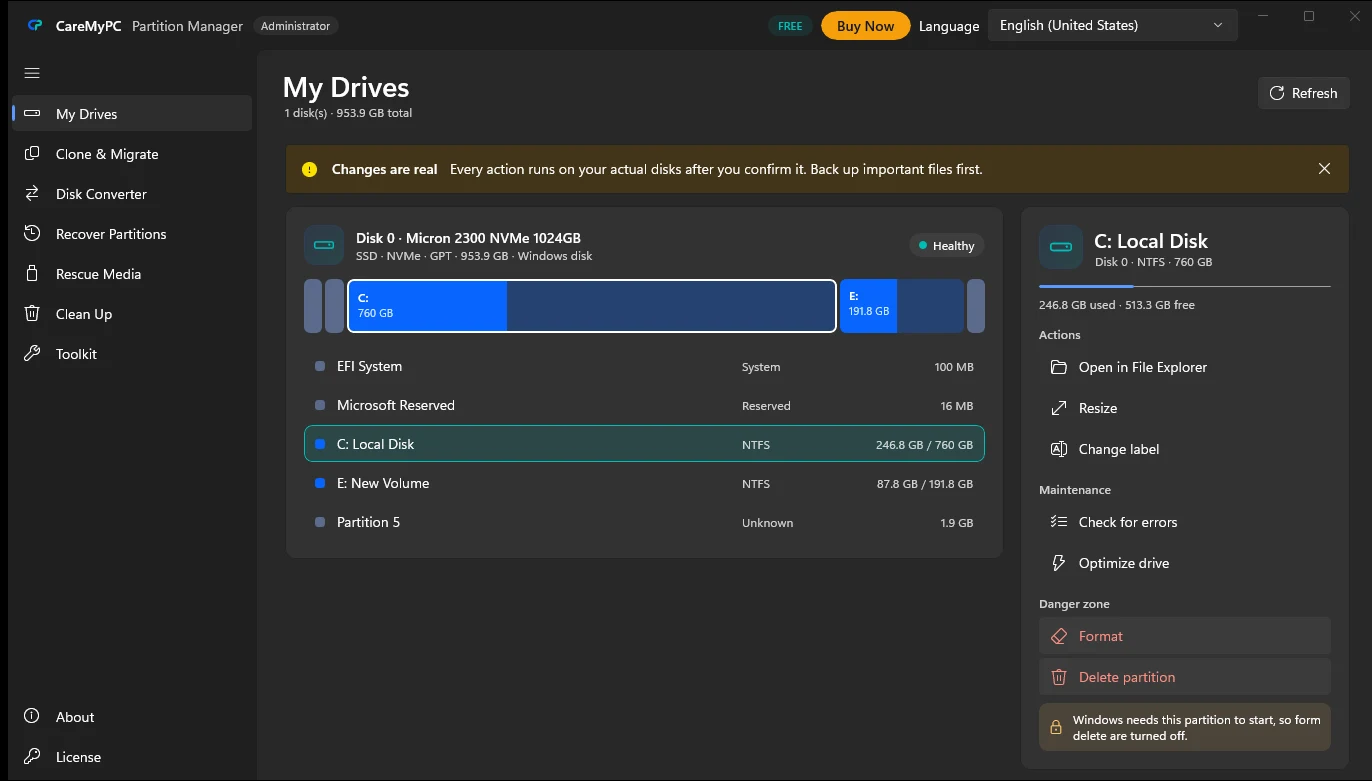
Every disk, one clear map.
Internal and external, old and new — see them all in one place and manage them safely.
- HDDs, SATA and NVMe SSDs, USB drives and memory cards
- NTFS, FAT32 and exFAT partitions
- GPT and MBR disks, UEFI and Legacy BIOS
- Health, temperature and wear for every drive
- Windows 10 & 11, 64-bit
The right tool for every disk job.
Tap a feature — or just watch them play.
See every disk and partition with size, used space, file system, partition style and health.
Ready for Windows 11.
Move the Windows disk from MBR to GPT using Windows' own checks, and convert FAT and exFAT drives to NTFS without losing files.
- MBR → GPT for the Windows disk (PRO)
- FAT32 / exFAT → NTFS keeps your files
- Switch empty disks between MBR and GPT
- Validate
- Convert
- UEFI ready
Validating the Windows disk
Everything for your drives, in one place.
- Disk healthHealth, temperature and wear for HDDs and SSDs.
- Speed testMeasure real read and write speed.
- Check & fix errorsScan a drive for file-system problems and repair them.
- Clean up C:Remove temporary and leftover files safely.
- Labels & drive lettersRename partitions and change their letters.
- FAT / exFAT → NTFSConvert without formatting or losing files.
- Empty disk MBR ↔ GPTSwitch the partition style of an empty disk.
- Windows 11 checkTPM, Secure Boot, GPT disk and memory at a glance.
- Boot repair (PRO)Rebuild Windows start-up files when the PC will not boot.
- Write protectionLock or unlock USB drives and memory cards.
- Rescue USBMake a Windows recovery drive for emergencies.
- Safety checksEvery change is shown, confirmed and re-checked first.
See. Plan. Apply safely.
- 1
See your disks
Every disk and partition with size, used space and health.
- 2
Choose an action
Resize, create, format, convert or clone — the app explains what will happen.
- 3
Confirm & apply
Nothing changes until you confirm. The app re-checks the disk before writing.
Tip: back up important files before changing partitions, and keep the PC plugged in while an operation runs.
Choose the option that’s right for you
 CareMyPC
- ✓ Made for Windows 10 & 11
- ✓ Scan free — pay only to fix
- ✓ Real people for support
 Partition Manager TechnicianUp to 10 PCs · 1 year
🔒 Secure checkout · keys delivered by email and in My Account
⬇ Not sure yet? Download the free version first.
Need more space on C:?
Download free, see your disks, and resize or convert with confidence.
Real reviews. Real trust.
What customers say after we fix their PC or they use our software.
Be one of our first reviewers
Used CareMyPC software or had a technician help you? Tell others how it went — honest feedback helps us get better.
Partition Manager questions
Is Partition Manager free?
Yes. Viewing disks, creating, formatting, labelling and deleting partitions, drive letters, FAT/exFAT to NTFS, clean-up, health, speed test, error checks, Windows 11 check, write protection and rescue USB are free. PRO adds resize, clone & migrate, partition recovery, Windows disk MBR to GPT and boot repair.
Will it delete my files?
Resizing, converting and cloning keep your files. Every change is shown and confirmed before it runs, and the app re-checks the disk first. Formatting and deleting do erase that partition, so back up important files first.
Which Windows versions are supported?
Windows 10 and 11, 64-bit. The app needs administrator permission to manage disks.
Can I convert my Windows disk to GPT?
Yes, with PRO. Windows checks the disk first. After converting you must switch your PC firmware from Legacy/CSM to UEFI, or Windows will not start.
What is the Technician license?
For repair shops and IT staff: use it on up to 10 PCs for one year.
How do I activate PRO?
Your CMPC- key is emailed after checkout and saved in My Account. Open the app, go to License, paste the key and press Activate. It works offline.
Nervous about your disk? We will do it with you.
A technician can connect remotely and resize, convert or clone your drive with you.