Remote support
Remote computer repair, with you watching.
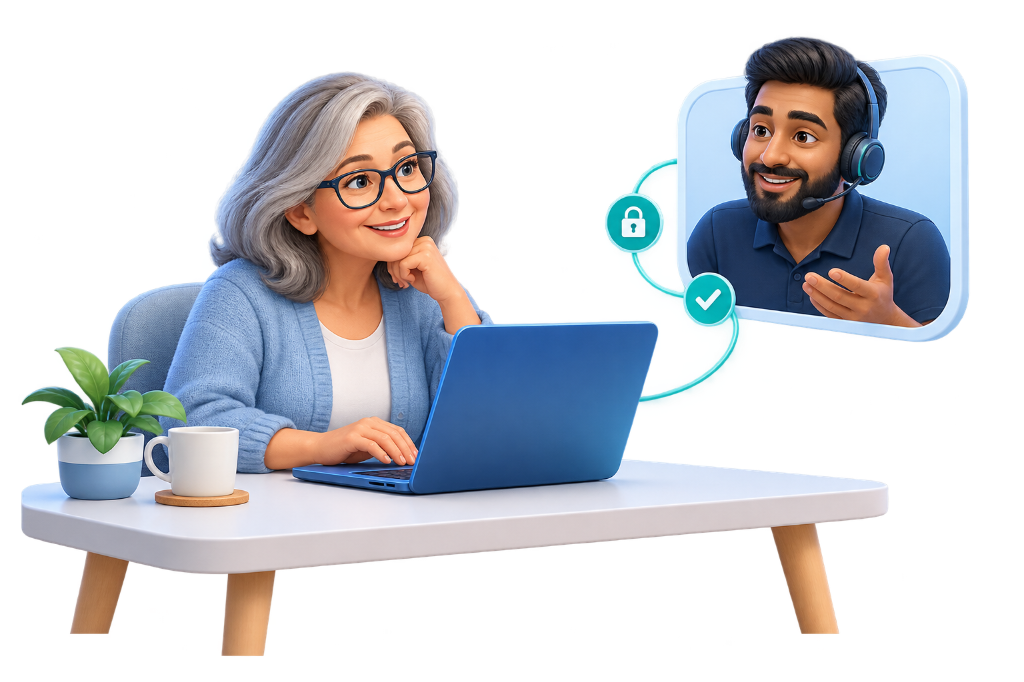
A CareMyPC technician connects only after you download UltraViewer QuickSupport and accept the session. You see the screen the whole time, and you can end it whenever you want.
Same download as Get connected in the header. Support hours Mon–Sat · 10 AM – 7 PM. Nothing starts until you allow the connection.
How a session works
Three steps. You stay in charge.
Remote repair is a shared screen, not a hand-off. We explain the problem, do the work where you can see it, and stop when you say so.
-
1
Request
Tell us what is wrong — a slow PC, software that will not open, a printer, email, or a Windows setting. Use the support form, contact us, or call +91 83683 81698 during Mon–Sat · 10 AM – 7 PM.
-
2
Connect with permission
Download UltraViewer QuickSupport, open it, and read the ID to your technician. The session starts only when you accept. Decline it, or close the tool, and we cannot see your PC.
-
3
Fix, while you watch
We work on the issue you asked about and tell you what we are changing. You can stop the session at any moment. When we are done, close QuickSupport so the connection ends.
What we can handle
Problems we already help with, done on your screen.
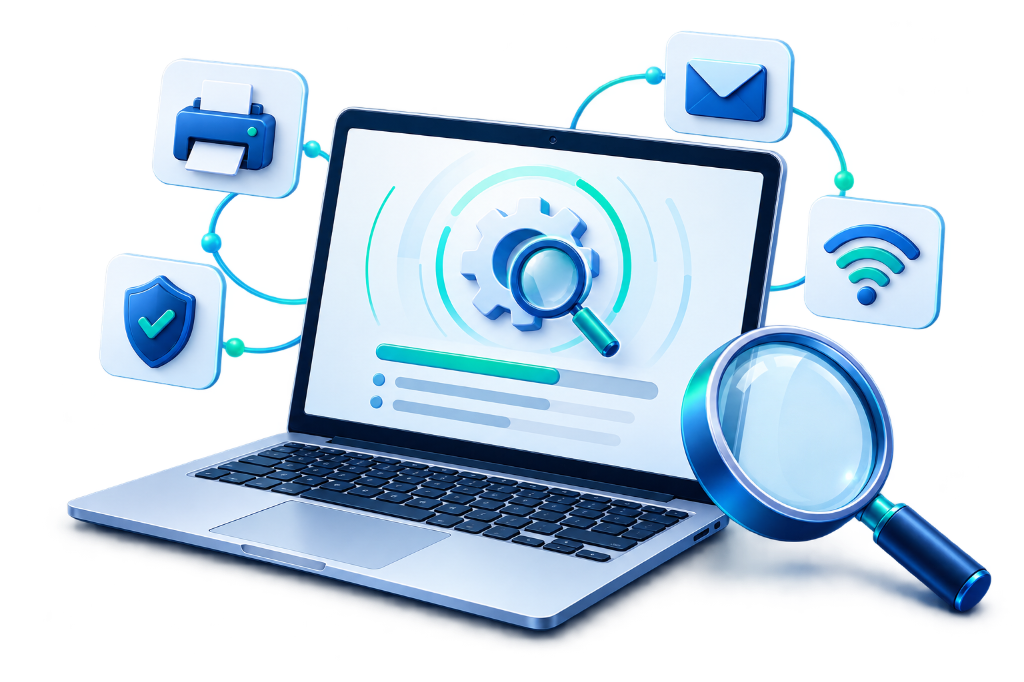
This session covers the same remote work as our help desk and computer support. If the job is a different service, we say so and point you to it.
- Slow PCStart-up delays, freezing, and crashes we can trace in Windows.
- Software issuesPrograms that will not install, update, or open.
- PrinterSetup and connection problems for a printer on your PC.
- EmailMailbox setup, sign-in, and Microsoft 365 on your computer.
- Windows settingsErrors, updates, display, sound, and Wi-Fi settings.
Plain limits
What we will not claim.
A remote session is useful for software and settings. It is not a promise that every computer can be fixed from here.
-
No guaranteed fix
Some problems are a failing drive, a loose part, or a PC that will not turn on. We tell you when remote work cannot solve it. We do not promise a repair before we have looked.
-
No unsupervised access
We do not connect in the background, and we do not stay on your computer after the session. You accept the connection, you can watch, and closing UltraViewer QuickSupport ends it.
-
No invented urgency
We will not show you a made-up infection count or push software you did not ask about. If a cleaner or a license would help, we explain why and you decide. Prices are on the pricing page.
FAQ
Questions people ask first
Is a remote session safe?
It starts only after you run UltraViewer QuickSupport and accept the technician. You can see the screen and stop the session. We do not keep access once you close the tool.
Do I have to share my password?
Only if the task you asked for needs a sign-in, such as email. You can type the password yourself. We do not ask you to disable security software so we can stay connected later.
Which computers do you support?
Windows PCs and laptops, plus printers, email, and accounts on those computers. A machine that will not power on needs someone local.
How much does it cost?
Support plans and a one-time session are listed on the pricing page. This page does not add a separate fee. If a job is outside those plans, we say so before we start.
When can I reach you?
Mon–Sat · 10 AM – 7 PM. Call +91 83683 81698 or send a support request. We are not a 24-hour desk, and we will not pretend a technician is already on your PC.
What if you cannot fix it remotely?
We stop and explain what we found. Remote support cannot replace failed hardware. You are not asked to keep a session open in the hope that it will.
When you are ready
Start a session, or just ask a question.
Download QuickSupport when you want a technician to connect. If you would rather describe the problem first, the support form is enough.
 100%